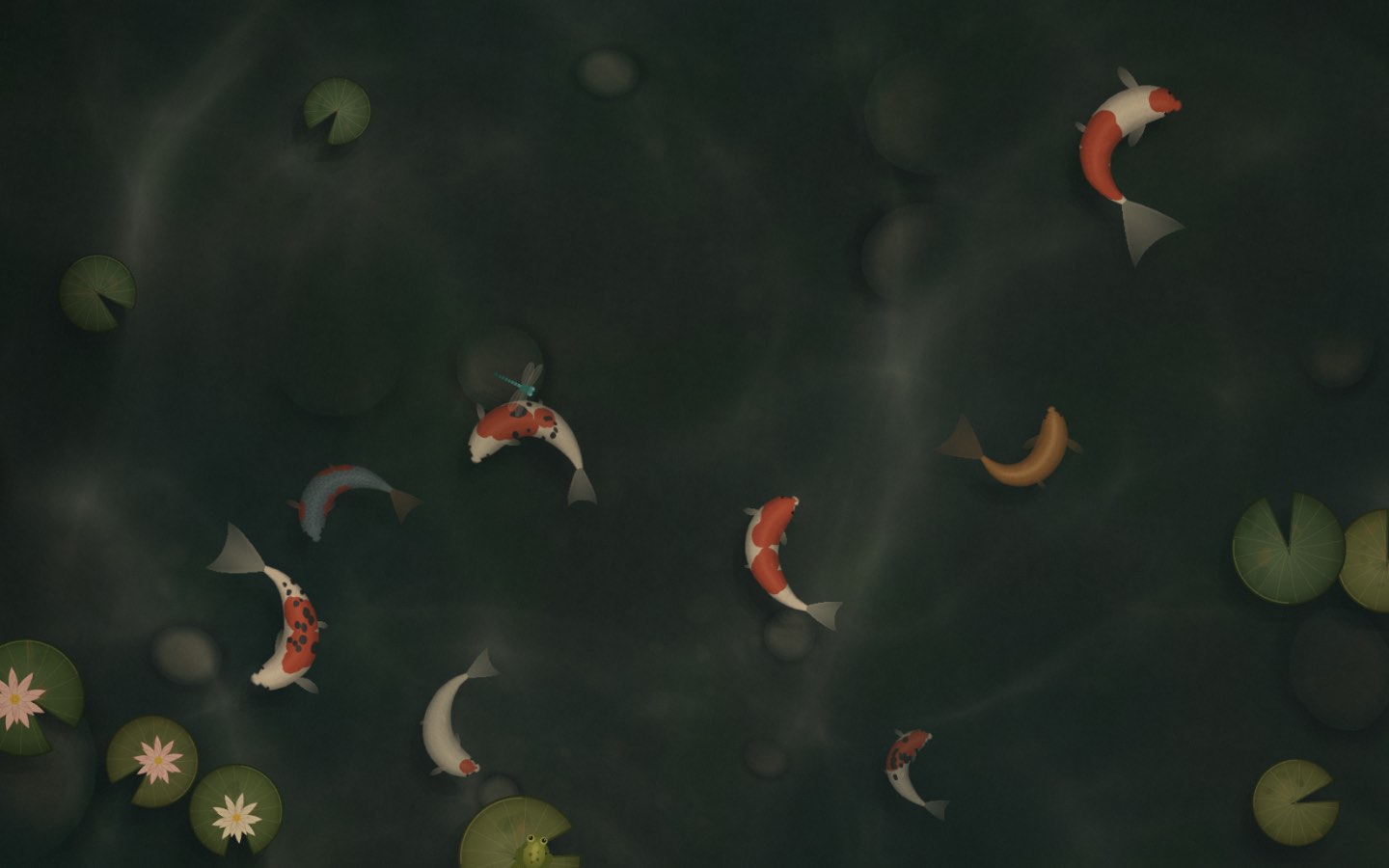
A living wallpaper for macOS

Your desktop, quietly alive.

Eleven calm, living worlds behind your desktop icons. They follow your weather and the hour, show the song you're playing, and nudge you to sip water and breathe. Try them all, live, right here.

macOS 13+ · Apple Silicon & Intel · free · How to install

Preview

Live in your browser. Click the scene, pick a world below it, or open the 〰 menu — it's the real app menu.Tap the scene, swipe the worlds, open Controls.

Small, kind details

A companion, not a screensaver.

Every “Try it” takes you back up to the live screen and switches the feature on.

Free download

Bring it home to your Mac.

Download for Mac

macOS 13+ · Apple Silicon & Intel · free

  1. 1

    Open the DMG

    Double-click wallpap.dmg in your Downloads.

  2. 2

    Drag to Applications

    Drop the wallpap icon onto the Applications folder.

  3. 3

    First launch: Open Anyway

    Open wallpap once, then go to System Settings → Privacy & Security and click Open Anyway. Only needed once — it isn't notarized by Apple yet.

How it works

It lives where your wallpaper lives.

  1. 1

    Behind your icons

    A tiny menu-bar app places the scene just above your wallpaper — under your icons, on every Space and every display. Your files stay exactly where they are.

  2. 2

    Click the desktop to play

    Show your desktop and the scene comes alive under your cursor: feed the koi, stoke the fire, drop the needle. Clicks inside your other apps never leak through.

  3. 3

    Rests while you work

    When you're not looking at the desktop it softly blurs and stops rendering entirely, then wakes the moment your cursor comes back.

Pricing

Free to keep. Pro, once.

No subscription. Pay once and it's yours, along with every scene we make after.

Free

$0forever

  • Nature: Koi Pond, Touch Grass & Santorini Cats
  • Every interaction — feed, boop, play
  • Pick the weather; light follows your time of day
  • Interaction, ambience & weather sound controls
  • Rests at near-zero energy while you work
  • Every Space & every display
Download for Mac

macOS 13+ · Apple Silicon & Intel · free

Coming soon

wallpap Pro

$9once · no subscription

  • All 11 scenes: Cozy Rooms, City Nights, Night Train & Singing Bowls
  • Every future scene & all updates
  • Music Mode + Beat Sync
  • Calm · Breathe — box, 4-6 or 4-7-8
  • Water & stretch reminders
  • Soundscapes: rain, ocean, fireplace, stream, brown / pink / white noise
  • Live local weather
  • AI companions for Claude Code & Codex

Pro is coming soon. Join the list and we'll write once, the day it opens.

Questions

Good to know.

How do I install it?

Download wallpap.dmg, open it and drag wallpap into Applications. On first launch macOS will stop it, because it isn't notarized by Apple yet: go to System Settings → Privacy & Security, scroll down and click Open Anyway. You only do this once. The wave 〰 then lives in your menu bar.

Will it drain my battery?

No. wallpap only draws while you're actually looking at your desktop, and frame-caps itself while it does. The rest of the time it blurs softly and stops rendering completely. You can also choose Pause on Battery or Pause Animation from the menu bar.

What happens to my privacy?

Nothing leaves your Mac. There's no account, no analytics and no tracking. Location is optional: if you allow it, wallpap uses it only to fetch your local weather from Open-Meteo. Music Mode reads the current track locally. Beat Sync listens to your Mac's audio on-device to find the beat — nothing is recorded or sent anywhere. AI companions only notice that Claude Code or Codex is running; they never read your code.

Which scenes are free?

The three Nature scenes — Koi Pond, Touch Grass and Santorini Cats — are free forever, with every interaction. Pro unlocks the Cozy Rooms (Night Café, Snowy Cabin, Record Store), City Nights (Speakeasy, Rooftop, Ramen Alley), the Night Train and Singing Bowls, plus everything we make next.

Which Macs does it run on?

macOS 13 Ventura or later, on Apple Silicon and Intel Macs. It works across multiple displays and every Space.

How do I quit and get my normal wallpaper back?

Click the 〰 wave in your menu bar and choose Quit. Your wallpaper comes straight back, because wallpap never changes it — it just floats a scene above it. To stop it starting with your Mac, untick Open at Login in the same menu.

Will it get in the way of my desktop icons and files?

No. Your icons stay on top and stay clickable, and drag-and-drop works as normal. wallpap only reacts when you click bare desktop, and clicks inside your other apps never reach it.

Is Pro really a one-time payment?

Yes. It's $9 once, with every future scene and update included — no subscription. Pro is coming soon; join the list and we'll let you know the moment it's available.

Let your desktop breathe.

Free to download. A minute to set up. Calm for as long as you like.

Download for Mac

macOS 13+ · Apple Silicon & Intel · free